
Adam Brown
Thursday, April 30, 2026 | 12 minutes
A small app, two app stores, fourteen days
A few weeks ago I wrote that agentic coding was the consultant’s revolution — that the people who’d benefit most from building software with an AI agent in the loop were the ones who’d always known what should exist and never had the time, the team, or the engineering background to get it built.
This post is the next chapter of the same story. Tour of the Bible has a mobile app now. iOS is on the App Store. Android is in closed testing on Google Play, walking out the 14-day clock that Google imposes on every new developer account before they let you near the production track. The same JavaScript bundle drives both apps and the website it grew out of.
I am not a mobile developer. I have never been a mobile developer. I expected this to be straightforward, because the reading-plan logic, the verse fetcher, the lexicon, and the audio player all already existed. I told myself I was wrapping a website for a phone.
The code part was true. Almost everything else wasn’t.
Same architecture, new shell
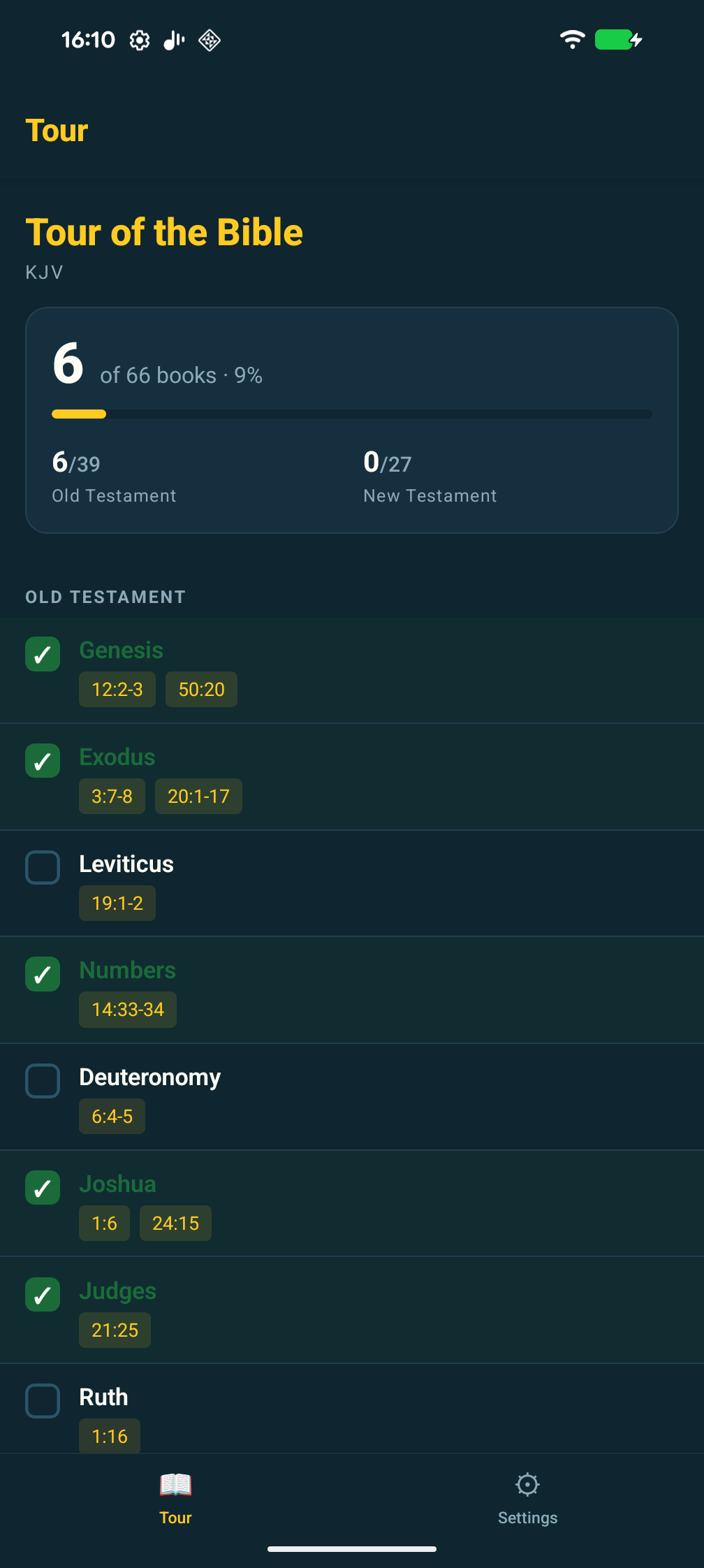
The website is a single-page Next.js app on Vercel. It proxies the YouVersion and Crossway APIs server-side so the keys never reach the browser. Progress lives in localStorage. There is no database, no auth, no analytics SDK.
I wanted the same shape on mobile. Same proxy. Same on-device storage. Same lack of user account. Same lack of telemetry. The only architectural change was that the components needed to render in React Native instead of HTML, and the network calls would come from a phone instead of a Chrome tab.
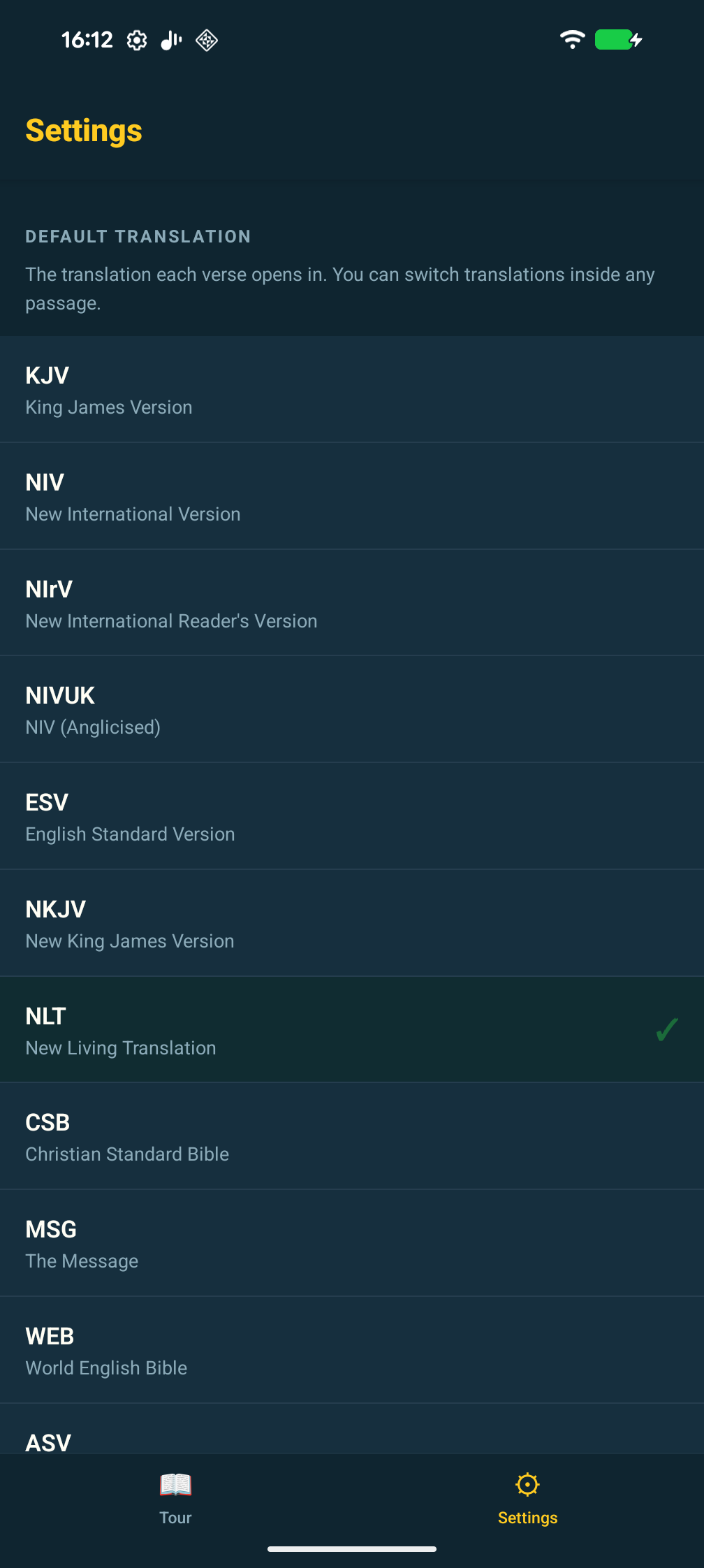
So: Expo SDK 55 on React Native 0.83, Expo Router for navigation (file-based, almost identical to the Next.js App Router I already knew), EAS for the native compile and signing, expo-audio for ESV verse narration that survives backgrounding. The Strong’s lexicon ships as a precomputed JSON inside the bundle. There is no runtime database to manage because there is no runtime database.
The new code came to a few thousand lines of TypeScript, mostly screen layout and audio session glue. That part went quickly.
How agentic coding held up on mobile
Most of this was written with Claude Code sitting in my terminal. I want to be honest about what that means in practice, because “I built it with AI” is a phrase that has started to mean nothing.
The conversation log over this two-week stretch ran to hundreds of turns. I’d guess about 80% of the lines of code were typed by Claude first. About 100% of the decisions about what to build and why were mine. That ratio felt right.
A few patterns held up that I’d noticed before, and a few that were new.
If I gave Claude the whole source of a file rather than just the function I was editing, the suggestions respected what was already there. If I gave it a snippet, the suggestions read fine on their own and quietly broke the surrounding code. Same model, same prompt, vastly different output, just because of context. Most of the “the AI wrote bad code” stories I see boil down to this. People hand it half a problem and complain it gave back half an answer.
Smaller asks were better. “Add a Strong’s lexicon overlay” gives you a sweeping rewrite. “Extract the existing modal into its own component first, and then I’ll add the overlay in a follow-up” gives you something you can read in thirty seconds and accept. The model is perfectly capable of large changes. The problem is large changes are hard to audit, and unaudited changes are how you ship things you regret.
I wrote a lot of negative constraints up front. No analytics. No third-party SDKs. No backend storage. No accounts. That single specification probably saved me a half-day of nudging the model away from the React Native default of bolting on Sentry, Firebase, and a registration screen.
Boilerplate is where the model earned its keep. EAS config, app.json scaffolding, Expo Router file structure, the dozen pages of React Native StyleSheet declarations every screen needs — that’s where I let it cook and saved my actual brain for the audio session and the lexicon highlighting tokenizer.
I’ll say something opinionated, since it’s the elephant in the room. I don’t care which keystrokes wrote which lines. I care whether the thing works, whether it’s honest about what it does, and whether I can fix it next time it breaks. By all three measures the code is better than what I’d have produced solo, in a fraction of the time. Anyone telling you that you’re “not really shipping” if you used a model is selling you something — usually their own ego.
The paperwork is the moat
Here’s the part nobody tells you. The actual build was three days of work. The remaining ten days were forms.
To get an iOS app onto the App Store you need a developer account, a distribution certificate, a provisioning profile, an App Store Connect listing with a name, subtitle, promo text, full description, keywords, screenshots in three different device-class sizes, the age-rating questionnaire, the App Privacy nutrition label, a copyright line, support URL, marketing URL, privacy policy URL, an export-compliance declaration about whether your app uses encryption, and the actual binary. There is also a Privacy Manifest XML inside the app bundle that declares exactly which iOS APIs you call and why, with reason codes you have to look up. UserDefaults access, for example, is reason code CA92.1. That is a real number you have to know about.
Google Play is comparable in scope and considerably harder if you’re a new developer. You need a $25 one-off account fee, a listing with a short description (80 chars), a long one (4,000 chars), a feature graphic at exactly 1024×500, a 512×512 icon, phone screenshots, content rating, target audience, ads declaration, news-app declaration, government-app declaration, COVID-19 declaration, financial-features declaration, app-access declaration, the Data Safety form (a more granular cousin of Apple’s nutrition label), and a privacy policy URL.
And then the policy that genuinely caught me out. Since November 2023, personal Play developer accounts must run a closed test with at least 12 active testers for 14 consecutive days before the production track even unlocks. There is no exception. There is no waiver. There is no fast-track. You wait the fortnight or you don’t ship. I am, as I write this, sitting in the middle of that fortnight.
The Data Safety form alone has 26 sub-questions across 13 categories, and every “no” still requires a confirmation click. Most days towards the end I spent more time inside App Store Connect and Play Console than in my code editor.
I am not complaining. I am telling you, because nobody told me.
This is the moat. Not the code. The code is, increasingly, the easy bit. The moat is the patience to fill in 26 sub-questions about a free Bible app that collects no data because there is no backend, three times, in three different forms, on three different platforms.
The bugs nobody warned me about
A few specifics, in case they save another part-time developer half a day each.
I inherited a package.json where the expo package was on ~54.0.33 but every individual Expo module had been bumped to ^55.x at some point. iOS builds tolerated this. Android Kotlin compilation rejected it instantly with an Unresolved reference 'service' error from expo-constants. Fix: expo install expo@^55 to align the SDK, then expo install --check --fix to pull every other module to its blessed version. Lesson: pin your SDK and never mix.
The mobile app lives in a mobile/ folder inside the larger website repo. Both have their own node_modules with their own react. Metro’s resolver walks up the tree by default, finds two reacts at different versions, and gets confused in a way that surfaces three layers down the stack. The fix is a tiny metro.config.js that pins resolution to the mobile folder only:
config.resolver.disableHierarchicalLookup = true;
config.resolver.nodeModulesPaths = [path.resolve(__dirname, 'node_modules')];
The most annoying one was RECORD_AUDIO. Google Play kept demanding a privacy-policy URL because the AAB declared the permission. We don’t record any audio. The permission was being merged into our final AndroidManifest.xml from expo-audio’s own manifest, because expo-audio supports recording even though we only use the playback half of it. Native dependencies merging permissions you didn’t ask for is, I learned, a thing that just happens on Android. The fix turned out to be a 25-line config plugin that injects tools:node="remove" to strip the permission at manifest-merge time:
manifest['uses-permission'].push({
  $: { 'android:name': 'android.permission.RECORD_AUDIO', 'tools:node': 'remove' },
});
A couple of hours to track down. Twenty minutes to fix.
The first Apple submission got rejected on guideline 2.5.4: background audio mode declared but no audible content found. The reviewer hadn’t found the play button. It lives inside a verse modal, only on the ESV translation, behind a translation pill switcher. Three taps deep. I didn’t need to change the binary; I just needed to send step-by-step reproduction instructions and a screen recording through the Resolution Center. Approved on the next pass. The lesson: App Review is run by people, not robots, and people benefit from being told where to look.
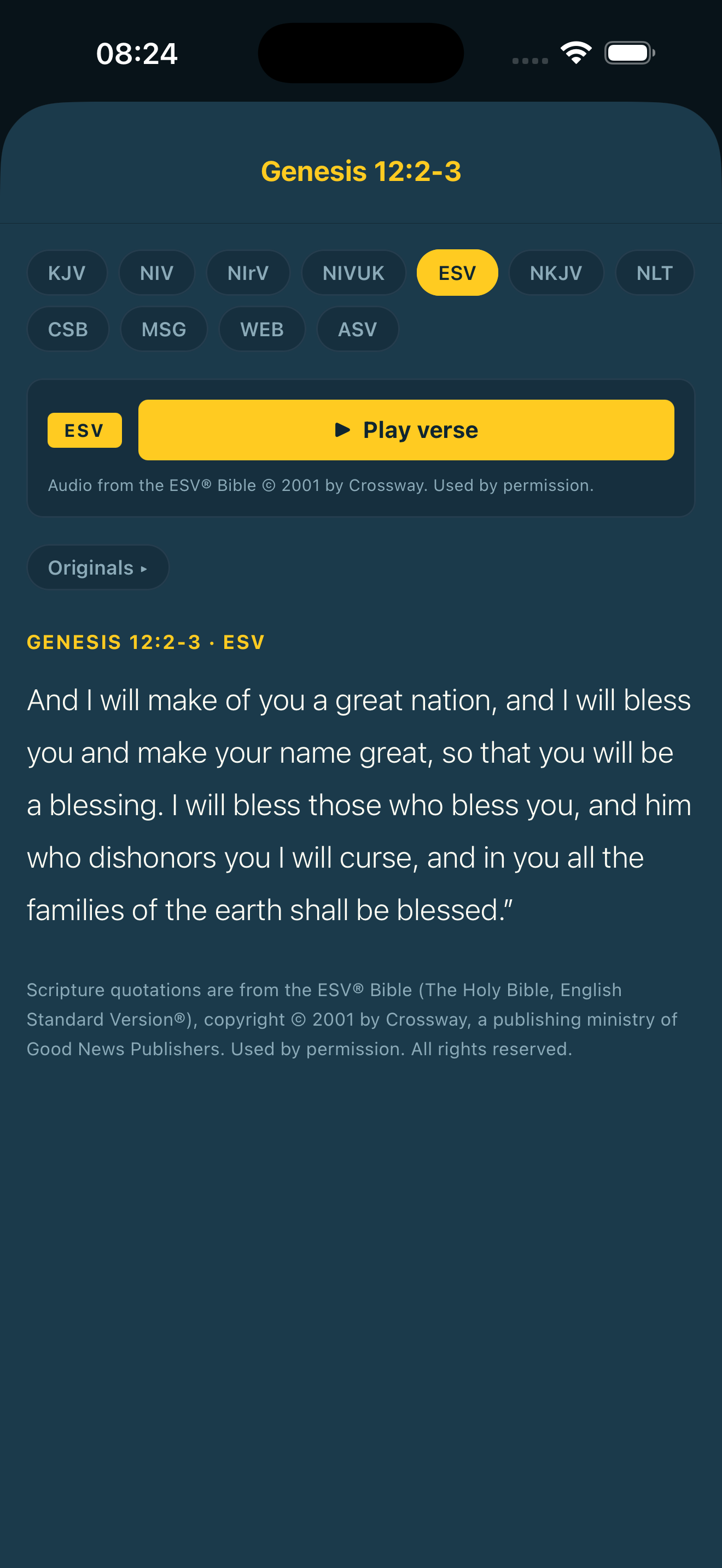
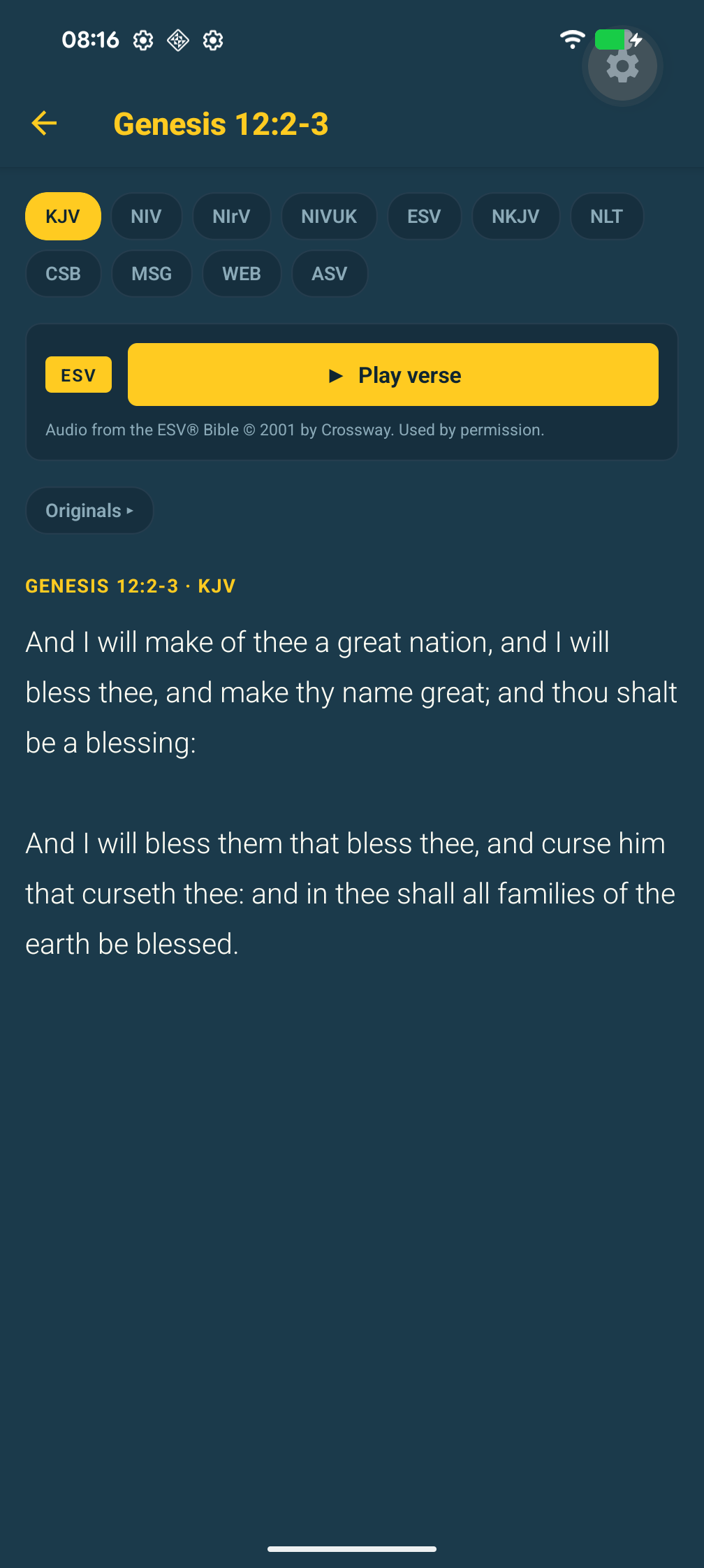
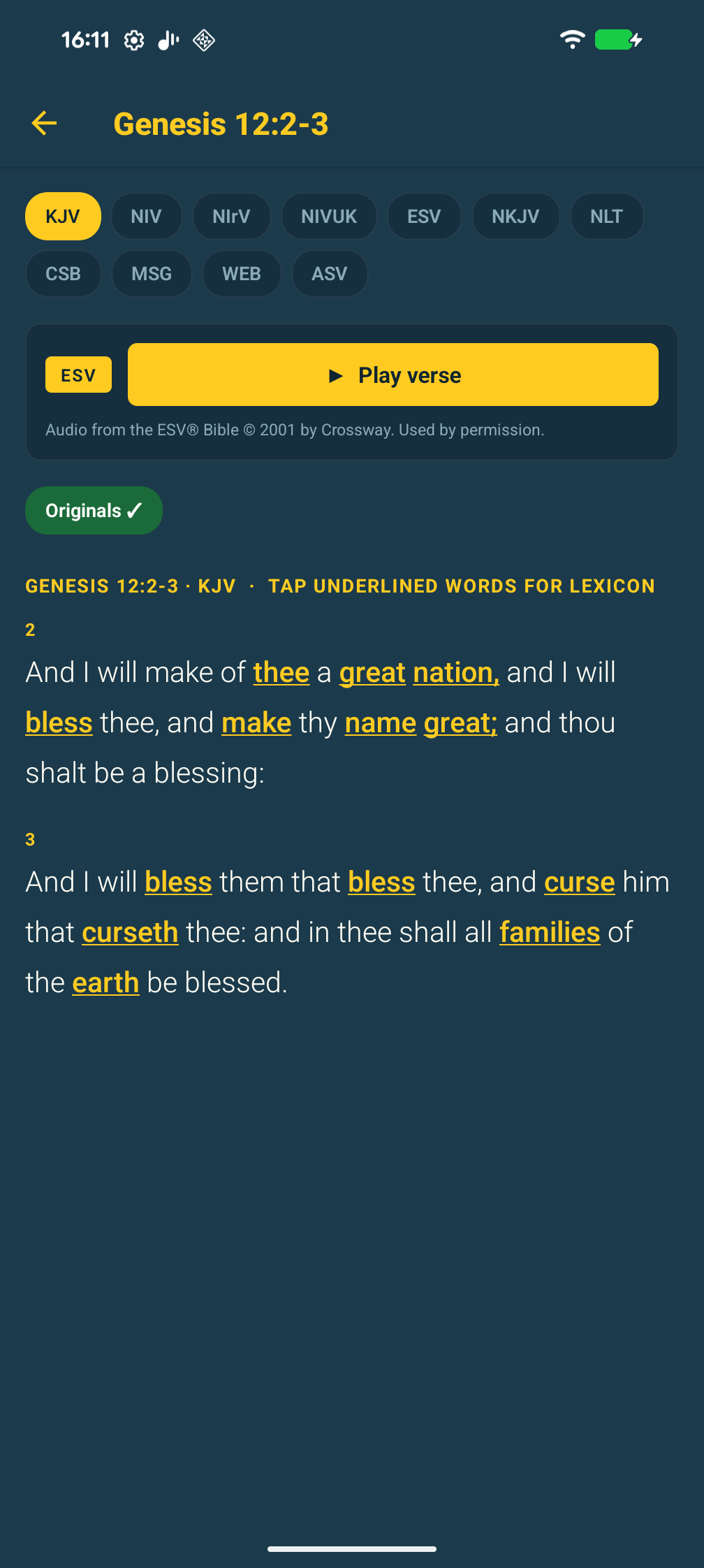
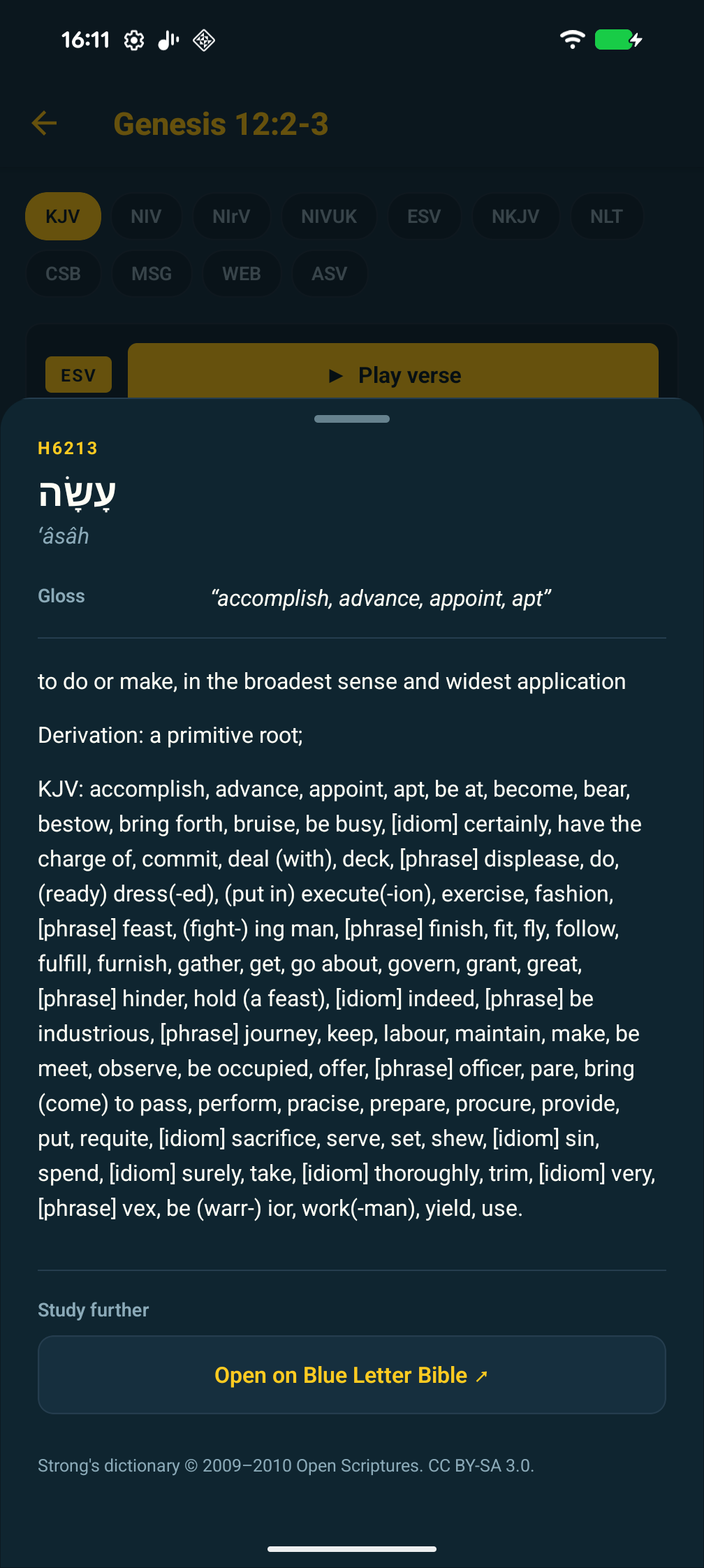
And then a verse-range bug nobody had caught on the web app, which is mildly humiliating: Originals mode, the Hebrew/Greek lexicon view, was only displaying the first verse of any multi-verse reference. The reading plan is full of ranges like Genesis 12:2-3 and Exodus 20:1-17. The token lookup function used String(ref).match(/^(\d+):(\d+)/), which captured only the first verse number. Two hours of debugging, six lines of new logic. Both apps got the fix because the lexicon code is shared. That, as a bonus, is the single best argument for a shared core: you find a bug, you fix it once.
A workflow that worked
A pattern shook out for the mechanical bits of mobile shipping that I’ll keep using.
Code change locally with Claude in the loop. npx expo run:ios or expo run:android to a device or simulator. Hot-reload covers most iterations, which is a much nicer feedback loop than I’d had on previous mobile work. When I needed a real signed AAB or IPA, I’d kick off eas build --platform android --profile production --non-interactive in a background task and keep working. EAS handles auto-submit for Android. iOS submission I kept manual, because pushing a new build cancels any in-progress App Review and I didn’t want to keep restarting the queue.
The piece I underestimated was state across sessions. Every time I started a new Claude Code conversation, I had it read the todo list first. Continuity came from that file, not from the model’s memory. I’d update it at the end of each session as if briefing a colleague who was about to take over. Honestly, that one habit was the difference between three coherent sessions and three chaotic ones.
What I’d do differently
I’d set up Closed Testing with twelve testers as the very first Play release, not after a few rounds of internal testing. The 14-day clock starts whenever you start it, so you might as well start it on day one. I’d also use expo-build-properties from the beginning to declare every Android permission stripping rule explicitly, instead of discovering them when Play rejects an AAB.
Screenshots: I’d generate them inside the simulator at the device size each store category demands, rather than capturing native and resizing. Saves a round of rejection.
And I’d write the Notes for Reviewer text upfront, not when Apple asks for it. That alone would have prevented the 2.5.4 rejection if I’d explained the audio-discovery path on the first submission.
Why bother
Tour of the Bible is free. It collects nothing. It will never make money. Whitman’s Lightning-Fast Field Guide exists, the YouVersion and Crossway APIs exist, the web version already worked in any browser. Why bother making mobile apps?
Because I wanted one. Because three or four people in my church wanted one. Because the friction between “I’d quite like an app for that” and “there is an app for that” used to be six months and a budget, and now it’s two weeks and a coffee subscription. The economics changed. I keep saying that, and I keep meaning it.
This is the same story as the last post. The barrier to making a thing exist used to be high enough that “is this commercially viable” was the right first question. It isn’t, any more. The right first question is do I want this to exist. If yes, you build it on a Sunday. The platforms will take their fortnight. The platforms will take their forms. Fine. Let them. The thing exists now, and it didn’t before.
The summary, for the reader in a hurry
- I’m not a mobile developer. I shipped a mobile app to two app stores in two weeks.
- About 80% of the code was typed by Claude. 100% of the decisions were mine.
- The code was the easy bit. Three days.
- The paperwork was the hard bit. Ten days.
- The Google Play closed-testing rule (12 testers, 14 days, no exceptions) is the policy that will surprise you most. Start the clock on day one.
- The platforms have made distribution paperwork the actual moat. Knowing that going in changes how you scope the work.
- If you’re not a developer and you’ve been waiting for the moment when the barriers dropped far enough that you could finally build the thing you’ve had in your head: shipping mobile no longer raises that bar by much. The web is easier; mobile is possible. That’s a step change.
If you want to try it
On iOS, it’s live. Search “Tour of the Bible” in the App Store, or use the badge below. It’s free and there’s no account to make.
On Android, it’s still in the 14-day closed-testing window I mentioned earlier, and I genuinely need around twelve active testers to satisfy Google’s requirement before the production track unlocks. So if you sign up, you’re not just trying it — you’re helping me ship. To join: tap the badge below and follow the steps. It involves joining a Google Group with the Gmail address tied to your Play Store account, then opting into the testing track. Once you’re in, the app installs from the Play Store like any other app.

If you’d rather not install anything at all, the original web version is still at bible-tour.vercel.app and does most of what the mobile apps do.
Bug reports, feature requests, “this verse is rendering weirdly” notes — email me at bibletour@askadam.cloud, or open an issue on the repo. Both get read.
See a problem. Solve a problem. Ship the thing.
The rest will follow.
— Adam